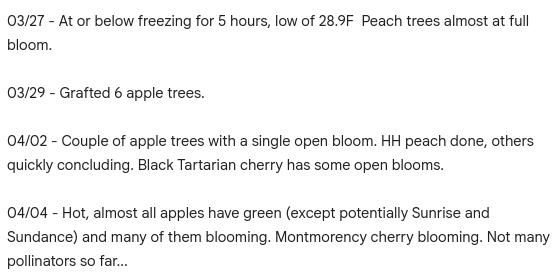
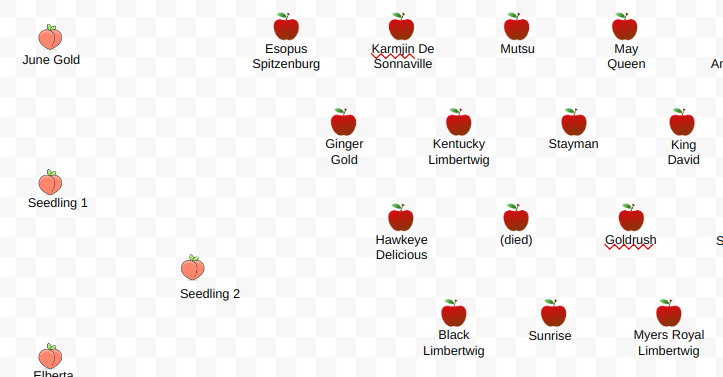
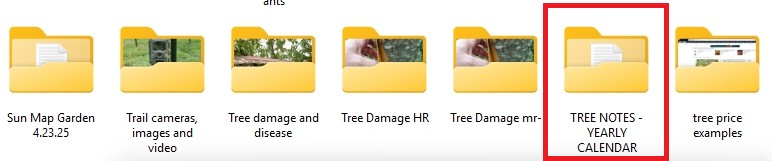
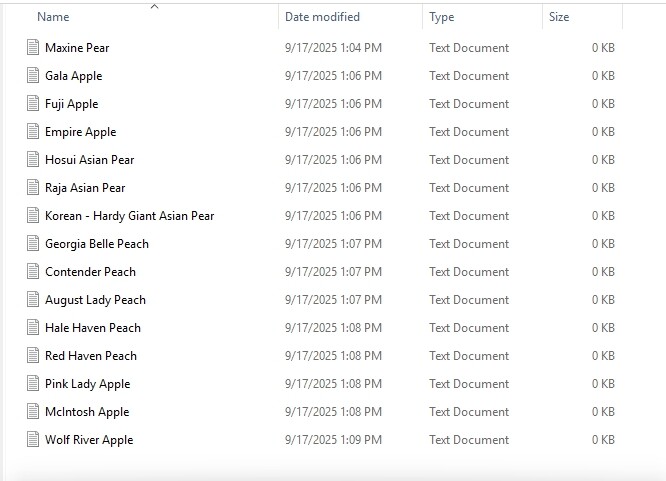
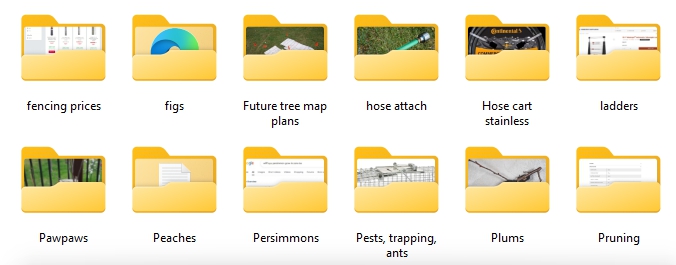
I’ve used paper since '08. Always lose them or they get an unorganized and a disjointed mess. I decided to go digital. Not making a big whoop–de–doo about it. No fancy programs. Just a simple folder and text files within it for calendar notes of each tree.
I am in the process of making the text files now. Once done I will have to gather what paper notes I have left and transfer them to the text files.
I don’t like to have a lot of files with information that I want to save; so, my gardening data is stored in just four MS Word files: one called Gardening Data and three called Garden Plans.
The data file is organized with alphabetically arranged numbered headings and sub-headings, and the plan files have a separate one-page drawing of my vegetable garden for each year, starting in 1998. The latest plan drawing covers 2016 to 2025, and I will probably start a new one next year to cover the next 10 years. I almost never look at old garden plans; so, I can normally find all the information that I need in two files, which are easy to search.
I’m all about the phone notepads. I have extensive plant and gardening notes and really life everything. Sometimes I have a flash of fear thinking what I would do in life it they disappeared and somehow weren’t backed up. But, I’m super not tech savvy and haven’t looked for a better app- what do you like?
So far I’m mostly just used .txt files on my phone, but I rarely do more than just jot down a few lines. I do take a lot of pictures, and ideally I’d be tagging those pictures but so far I haven’t bothered.
I actually have found that despite all the pictures I take, I often find myself wishing I had taken more, and from different views and perspectives. Judging how much a tree has grown or how bad the powdery mildew is defoliating this or that is way, way easier when you can just look at a picture from last year. The browning of the grass during a drought tells you a lot, and seeing what the same section of the lawn looked like a few years ago helps with that. Or even just what the seedlings of certain varieties look like or what the color of some fruit usually is is a really helpful metric that’s basically impossible to write down.
And it is really satisfying seeing progress over the years, something which is basically impossible without loads of pictures with nice wide aspects.
I really find that I wish I had taken more “landscape” photos of things over the years, not just photos up close that just show one leaf or plant or bed.
I do sometimes organize information or data in excel if it’s more than I can remember off the top of my head. Aside from citrus stuff though, there’s usually not enough data that I’m trying to save to bother with putting it into a spreadsheet.
That being said, I kinda go by vibes and impressions most of the time. I rarely record keep, since imho any record keeping that you don’t find yourself referencing more than once and for more than just comparisons or curiosity is wasted time. Reading over how many carrots I grew in 2018 vs 2023 is time I could spend growing carrots in 2025–if I grew carrots anyway, which I don’t, because I think it’s a waste of time
But I’m also willing to admit that I’m brutishly pragmatic and there’s a kind of civilized sophistication to a small, neatly organized and tidy garden that’s well-cared for and journaled that I’m missing out on.
The Excel stuff I do on PC. And I back up my photos and .txt files on the computer as well, not a fan of cloud services. But the normal activities I do on my phone, it’s just faster and easier for most things.
But like, when I want to write sometime more complex or take a better quality picture, I use the computer or my digital camera respectively.
My brother has a drone and has taken pictures a couple times of our property from different heights. Those are really interesting to look back on and see changes. I wish he could fly the same path and take the same pictures four times each year.
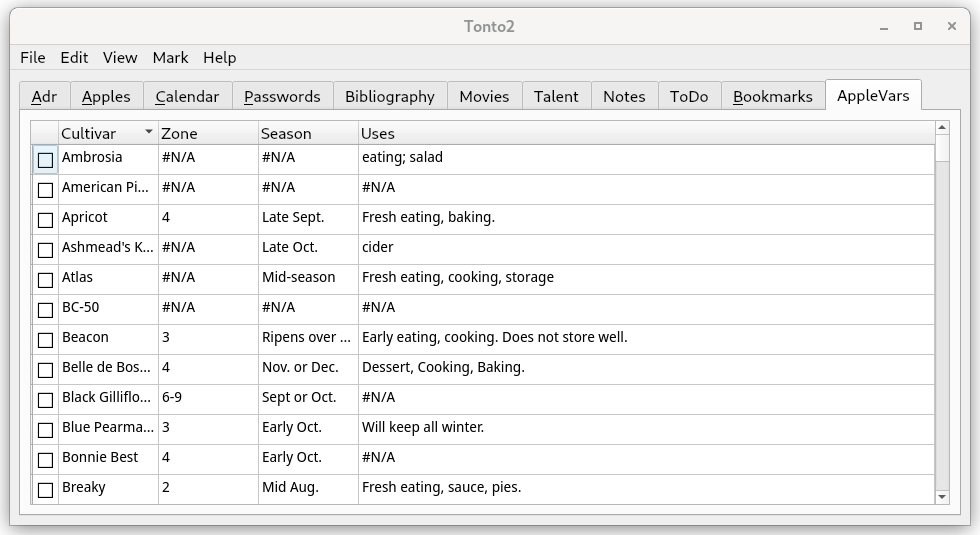
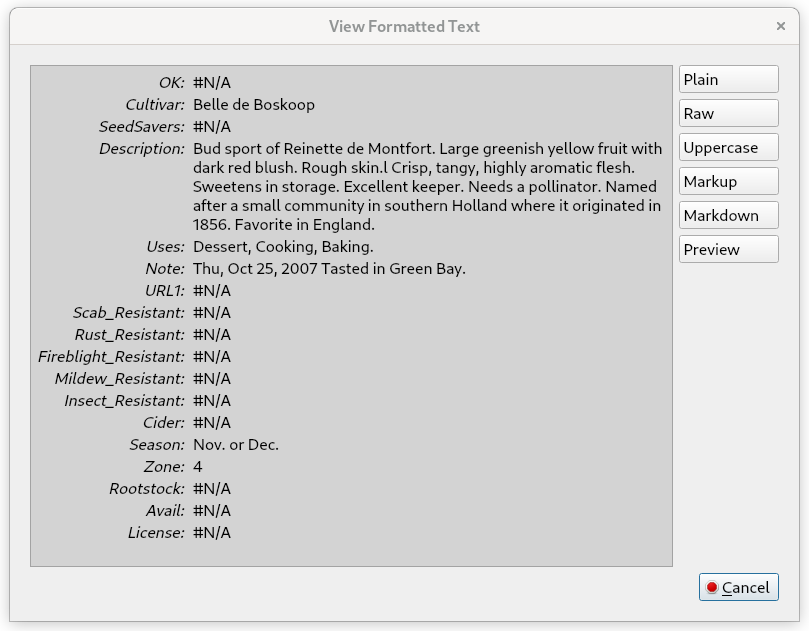
I’ll admit I haven’t found any wildly enthusiastic users for my app. One thing that it might be used for is to “index” a gallery of photos. Just create a 3x5Cards tab and use the _URI field to point to a “file://” protocol local link. Then Tonto2 could open that link in your browser whenever you want to “see” a photo. At the same time you could give each photo a title with a place for natural language notes and a list of keywords. Date/time stamping happens. If you like, I ought to be able to provide a way to extract exif data from the image file and place that beside your notes even though I haven’t yet run up against the need for this capability personally.


 :arrow_up_down: