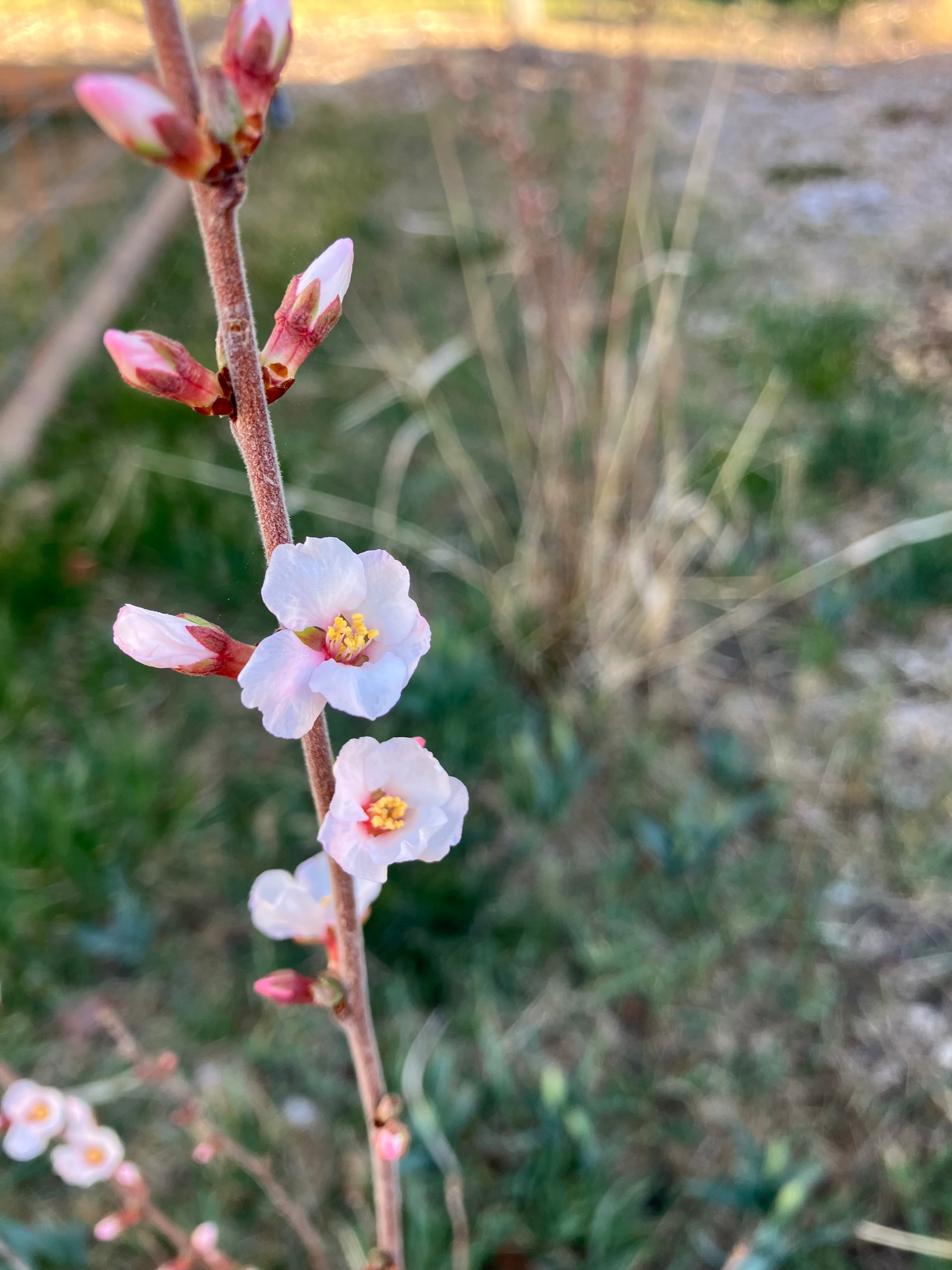
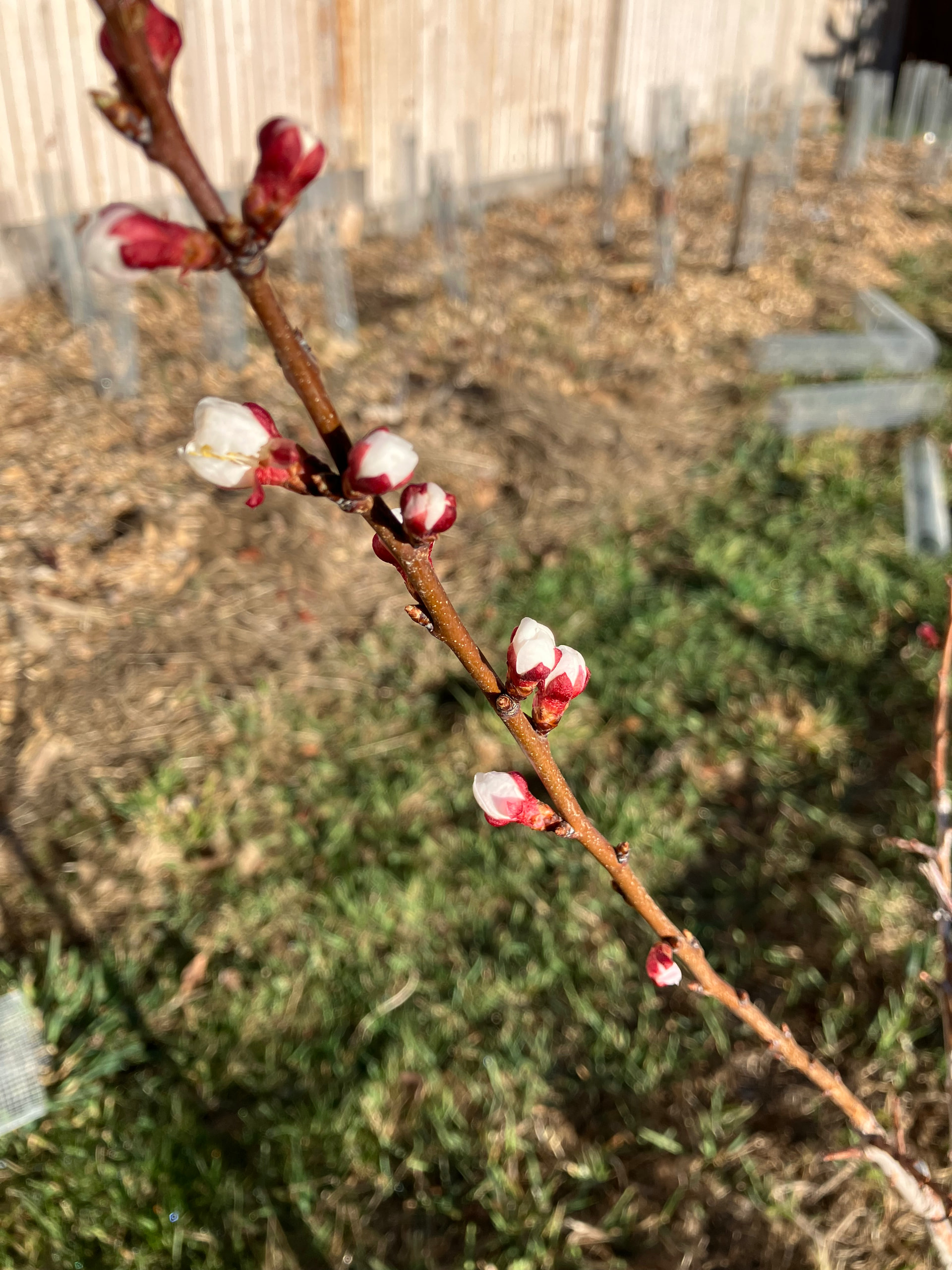
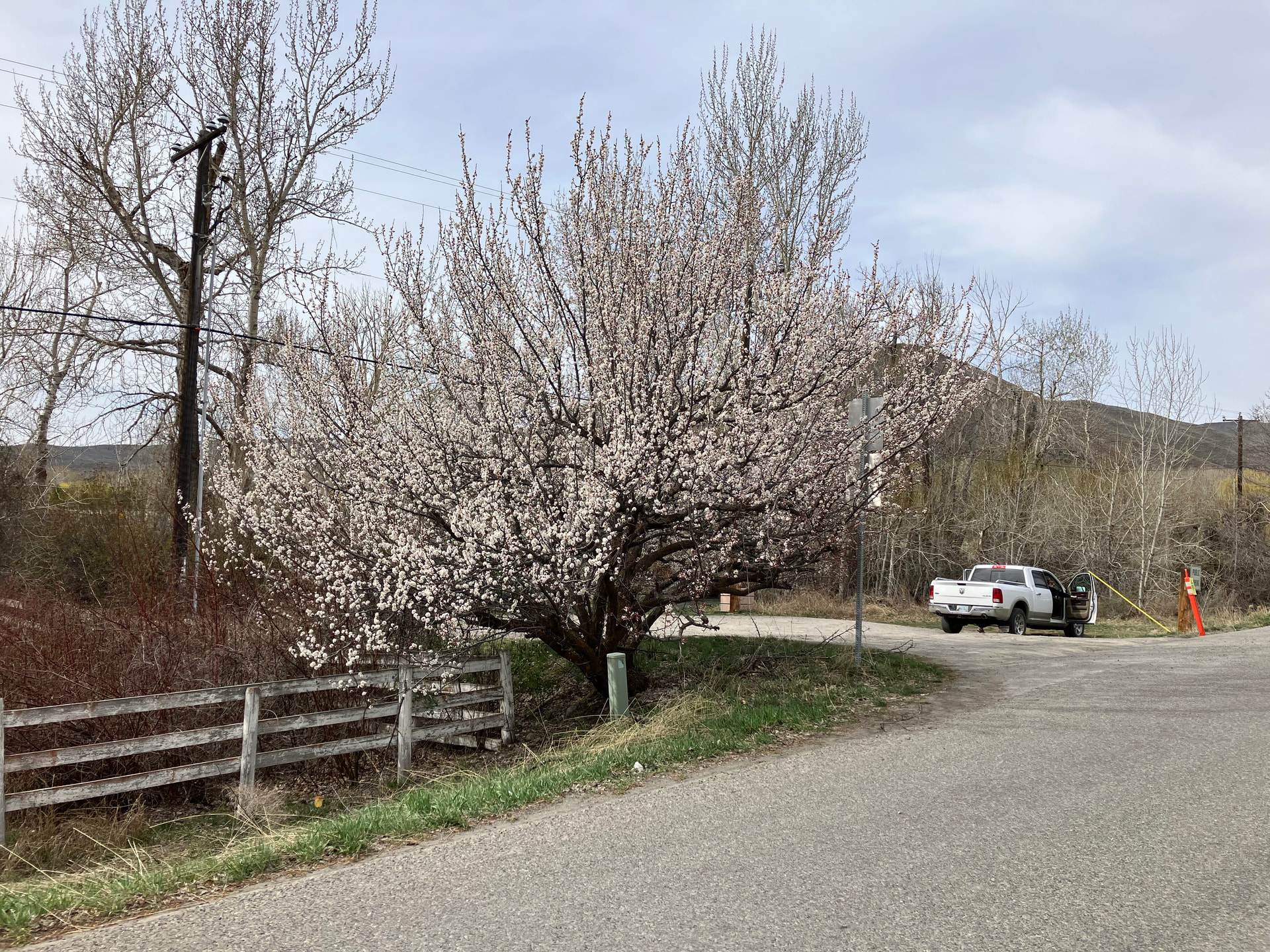
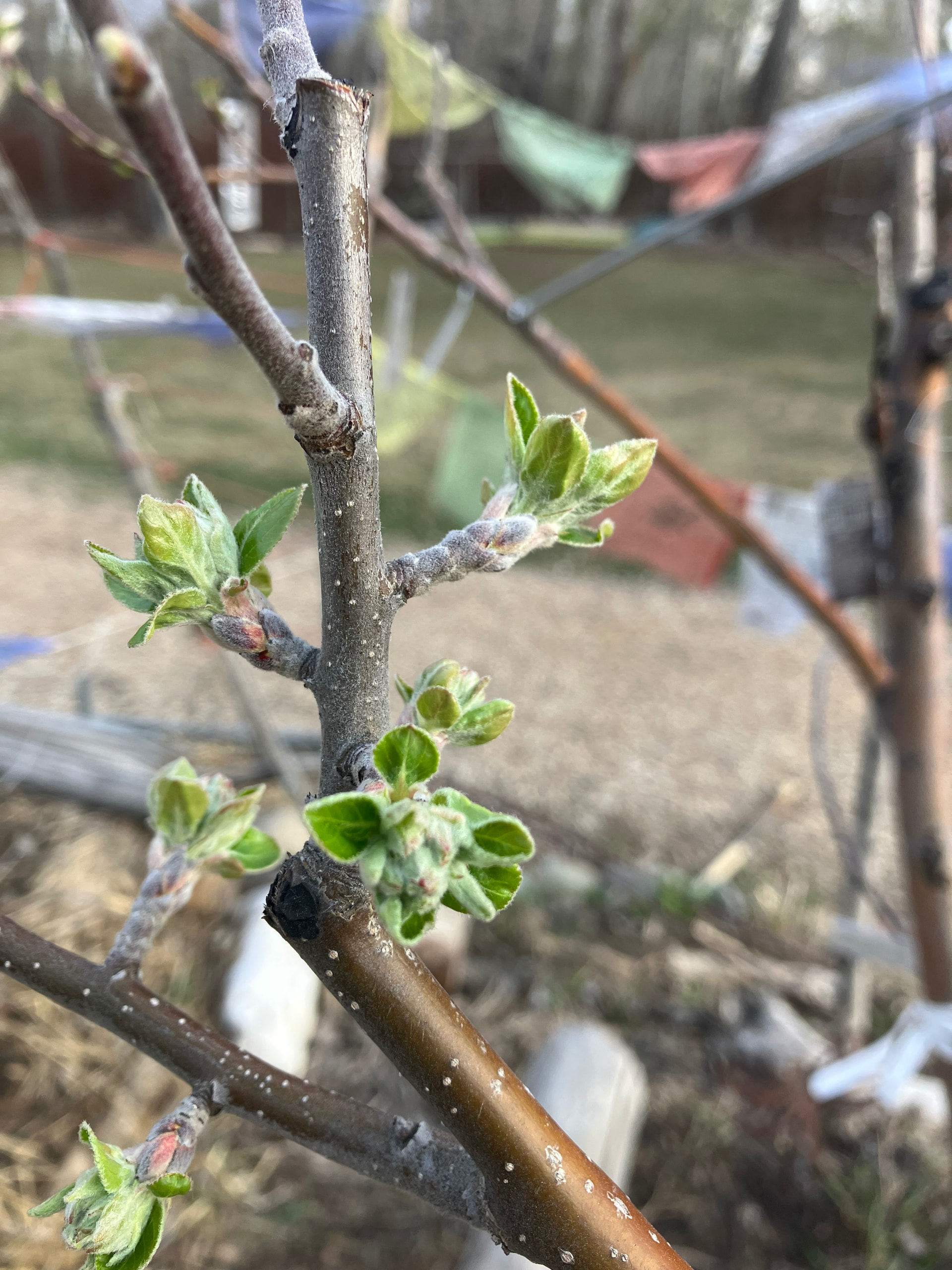
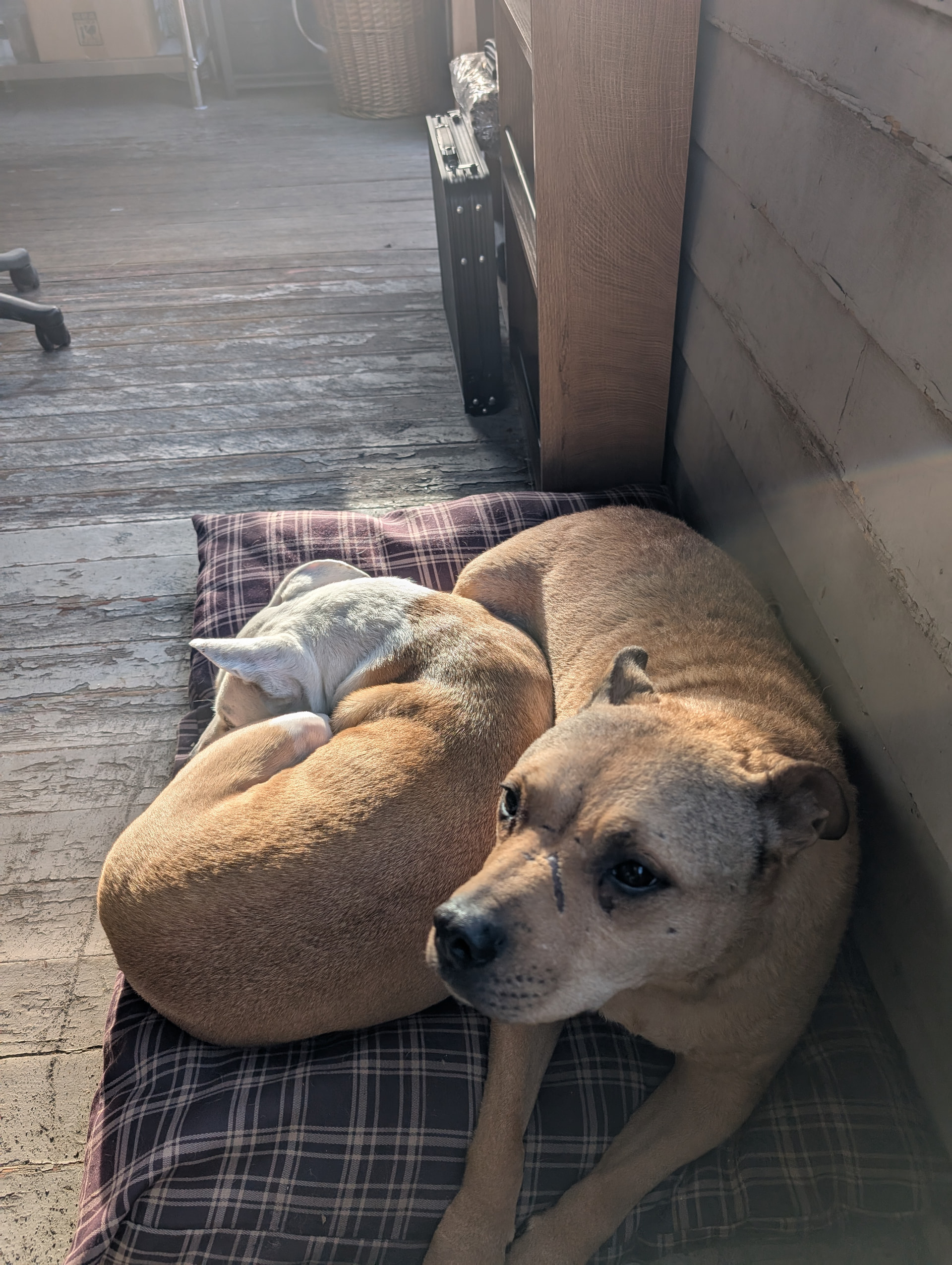
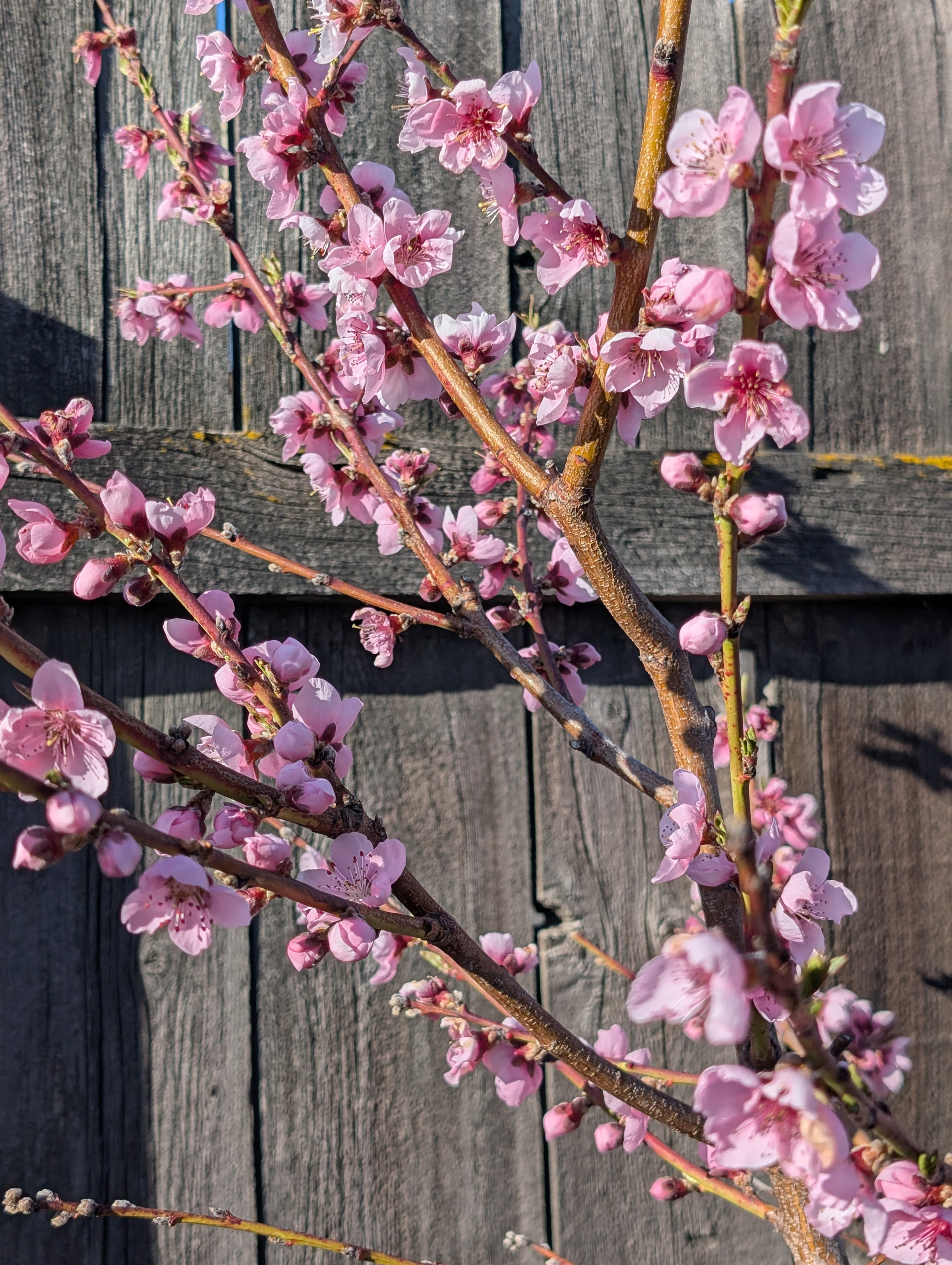
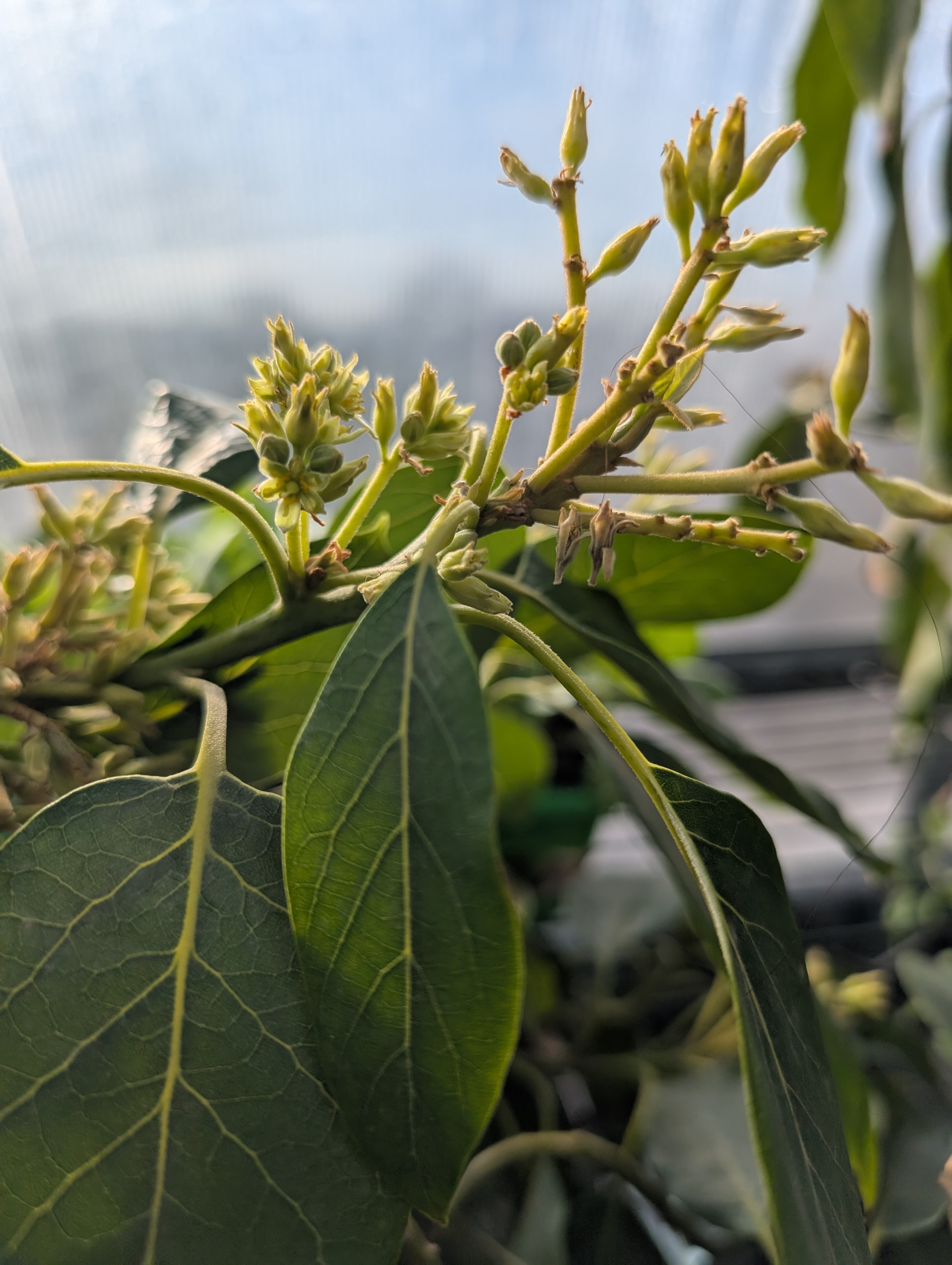
@uwtb how are you getting your images next to each other or in a masonry layout like that?
1 Like
@kinghat When I uploaded them, there was a little grid button, or you can use the /grid command I believe.
4 Likes
This is really cool! I didn’t know you could do this!
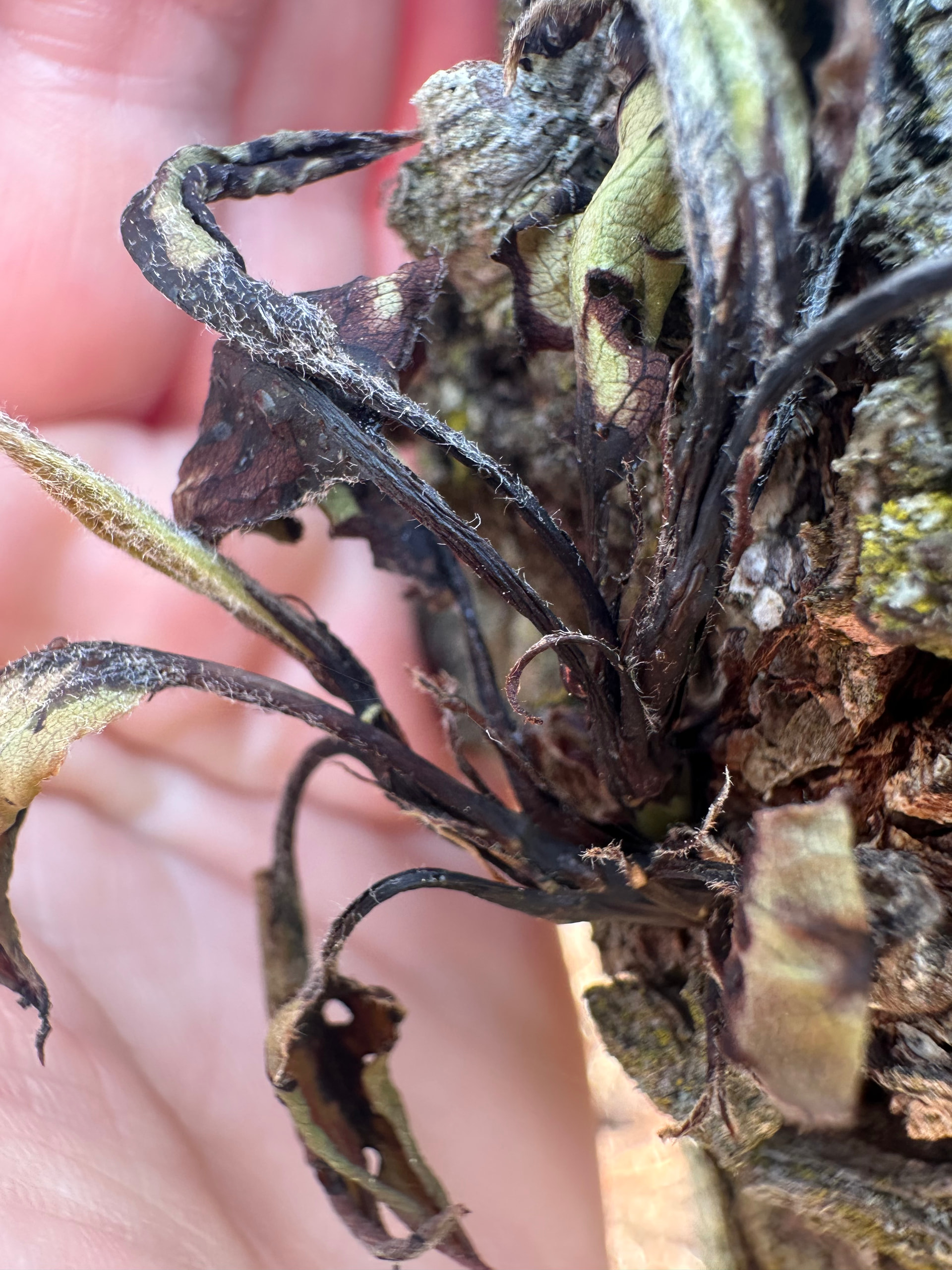
Test (some pear that I’m worried has fireblight):
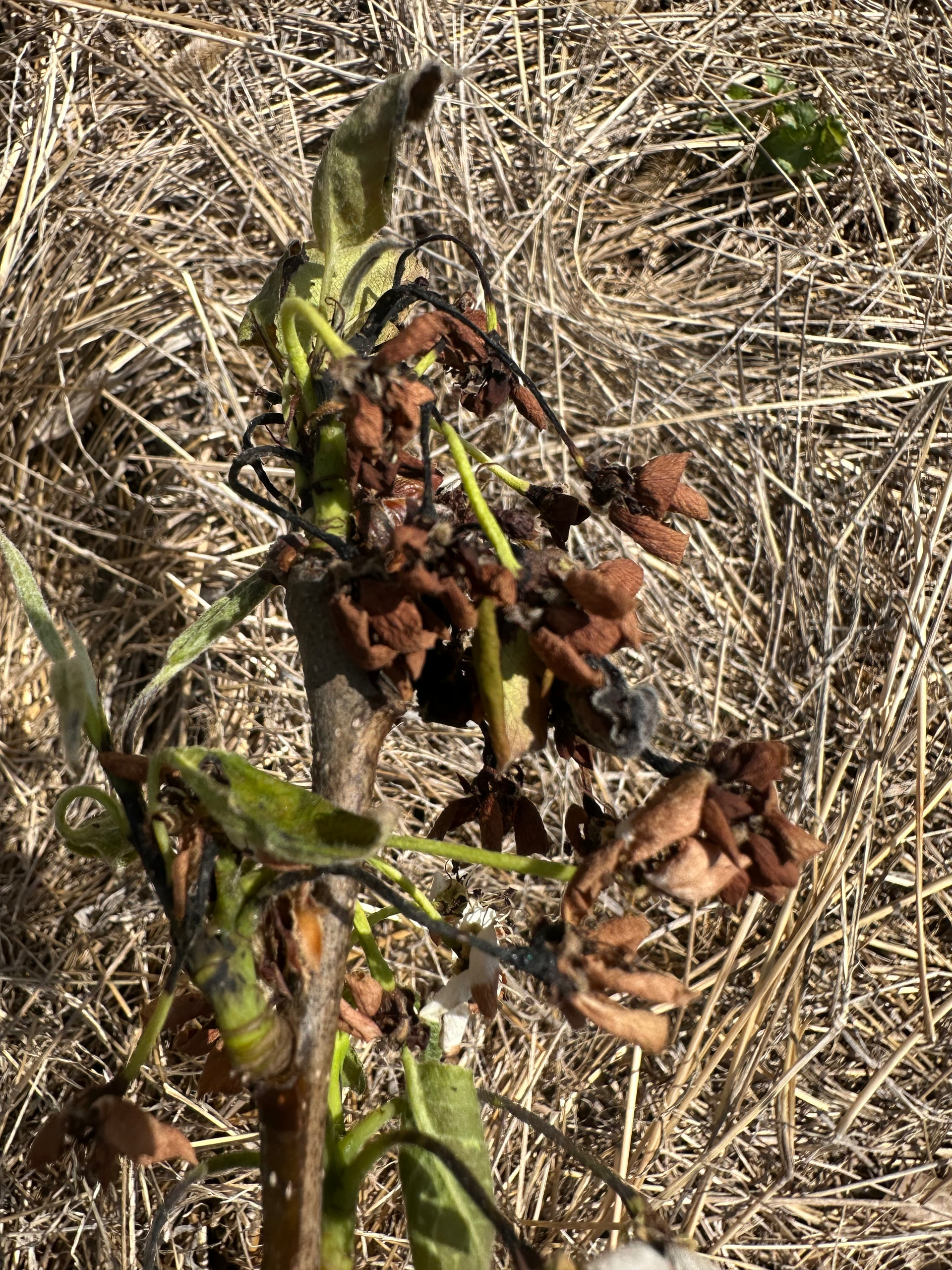
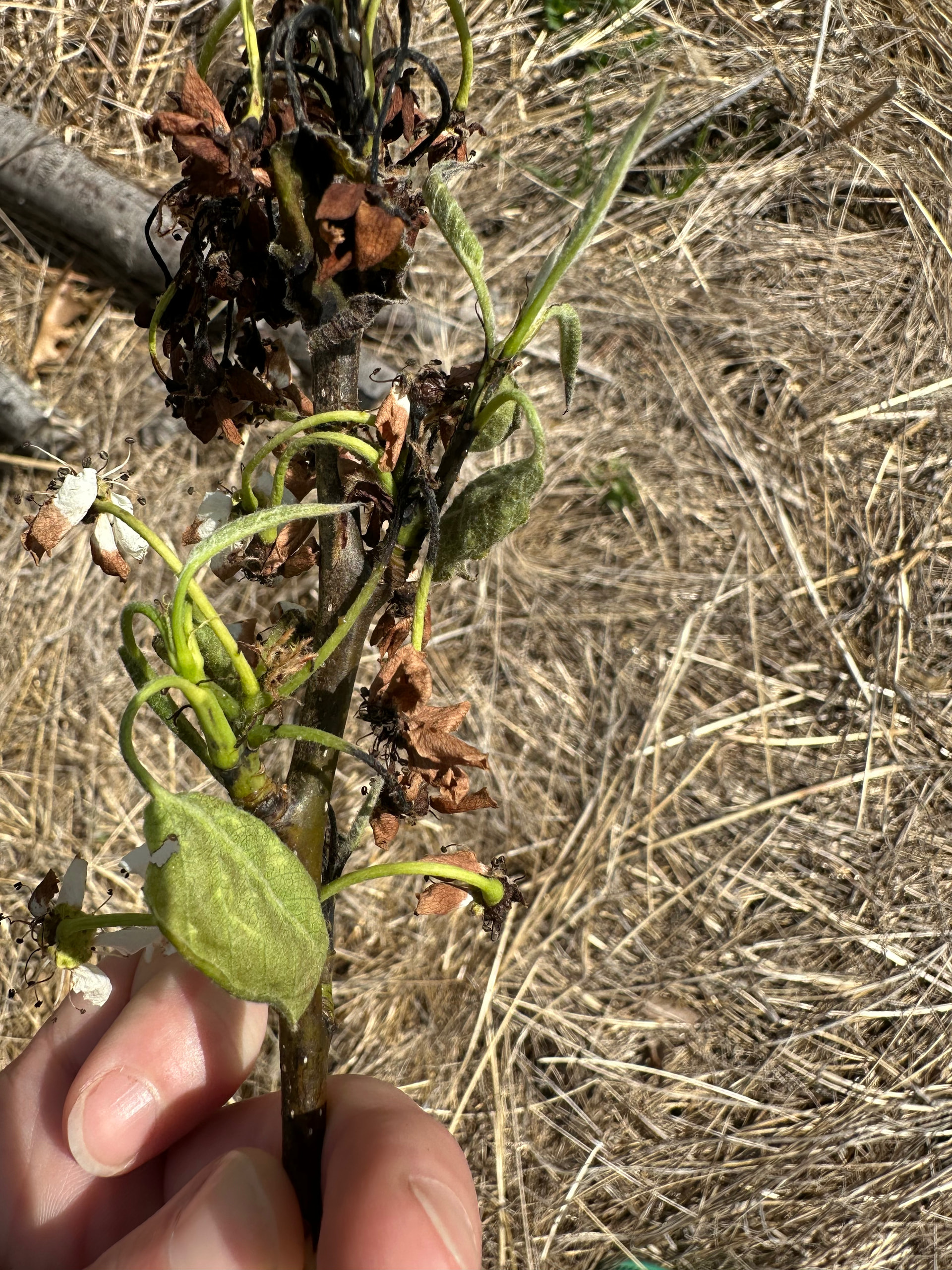
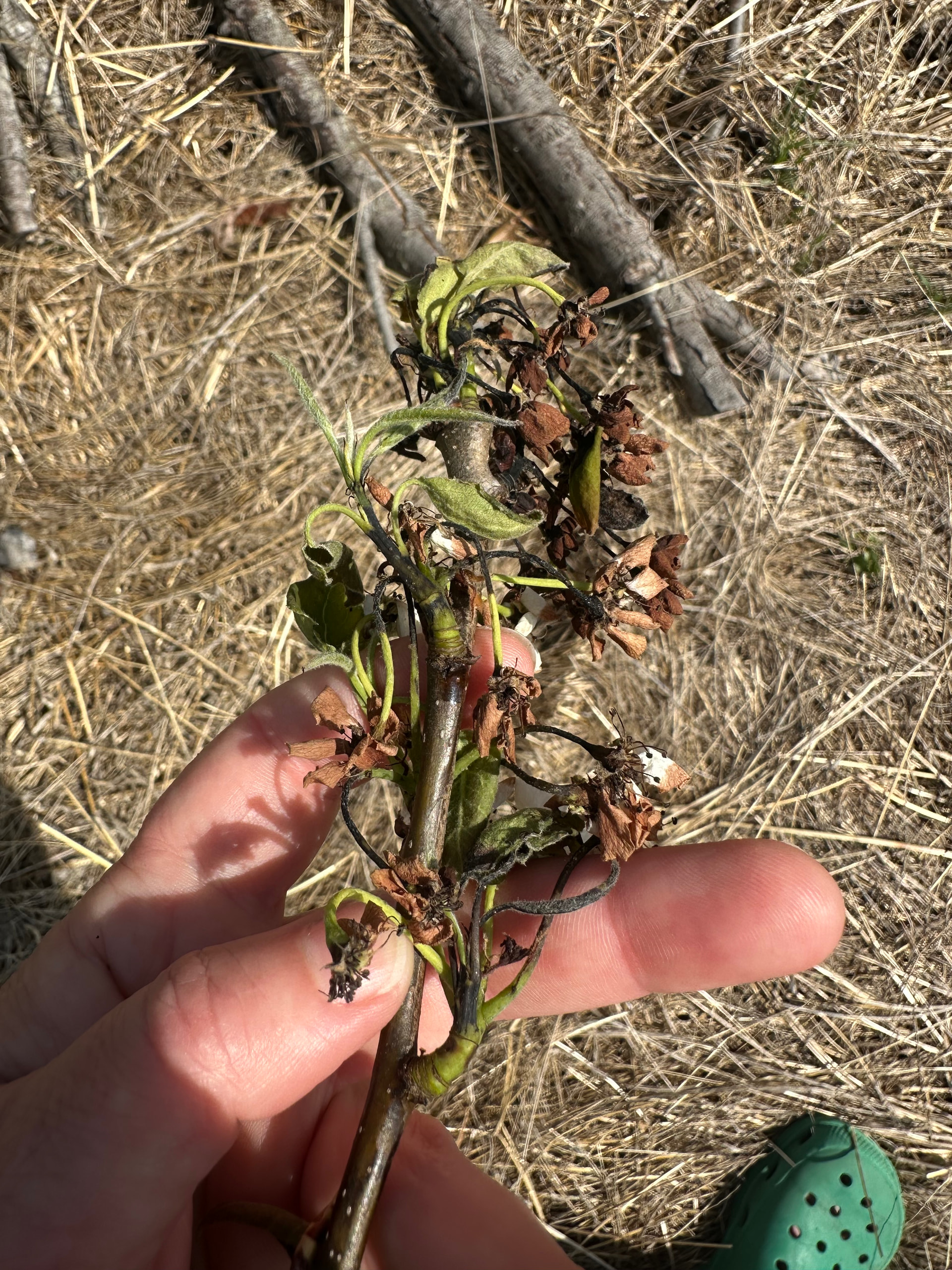
Yes, it works… I just put the “[grid]” and “[/grid]” at the beginning and end of pictures.
7 Likes
That’s really nice, posts with a lot of images can get annoying because you have to scroll so much.
7 Likes

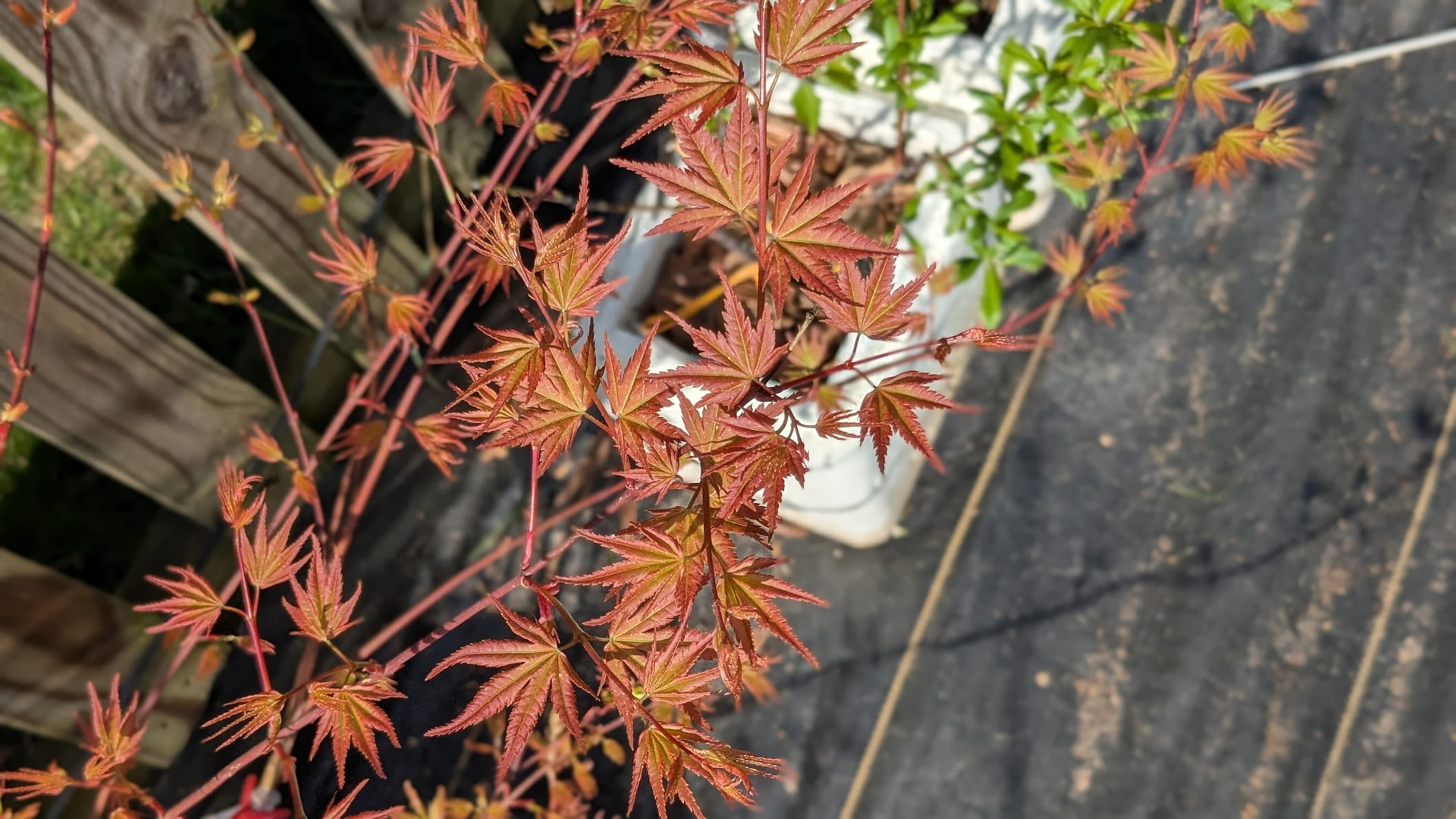
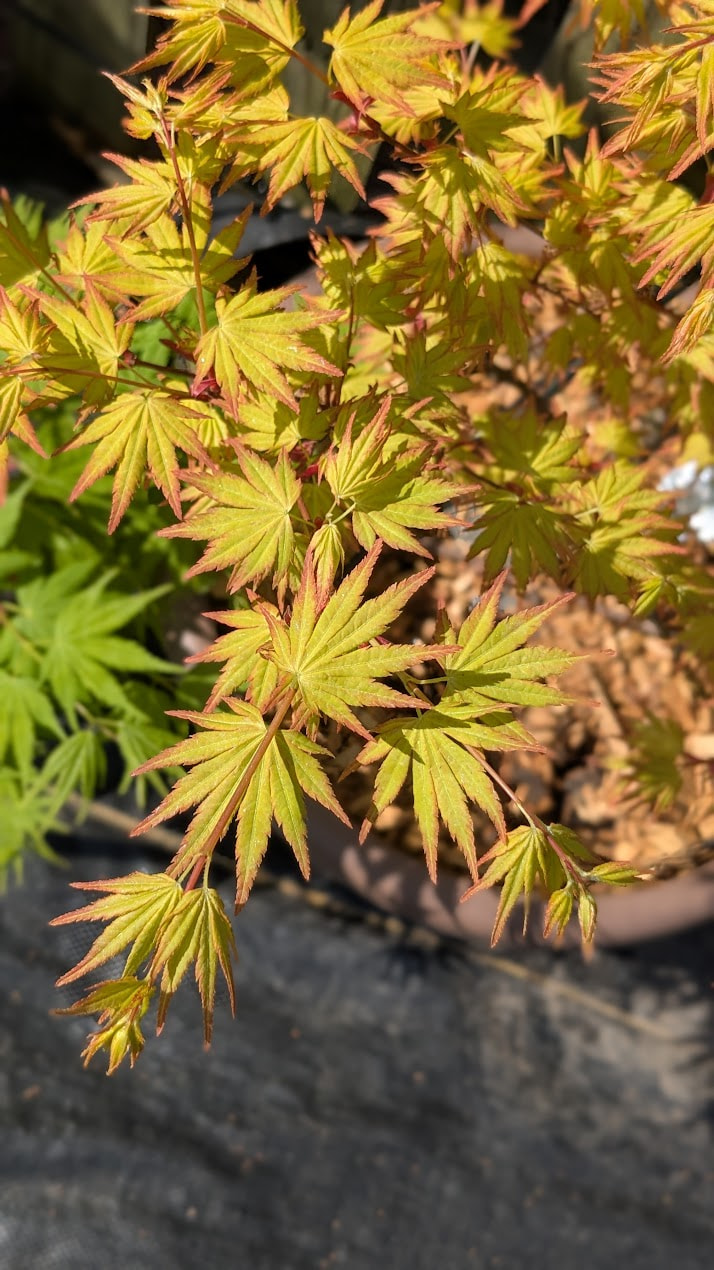

@Fishsauce How pretty! What are they?
1 Like
They’re pictures that I took this morning of my Japanese maples, clockwise from top left: Shin Deshojo, Hino Tori Nishiki, Arakawa, and Orange Dream. I love the variations of Spring colors on newly emerged leaves on the different cultivars.
1 Like