Just wanted to make a suggestion, but not sure if its possible.
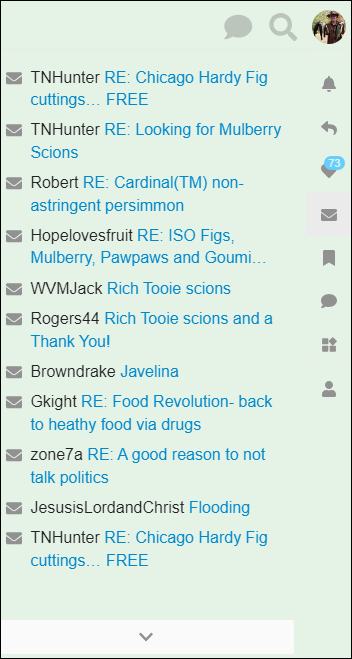
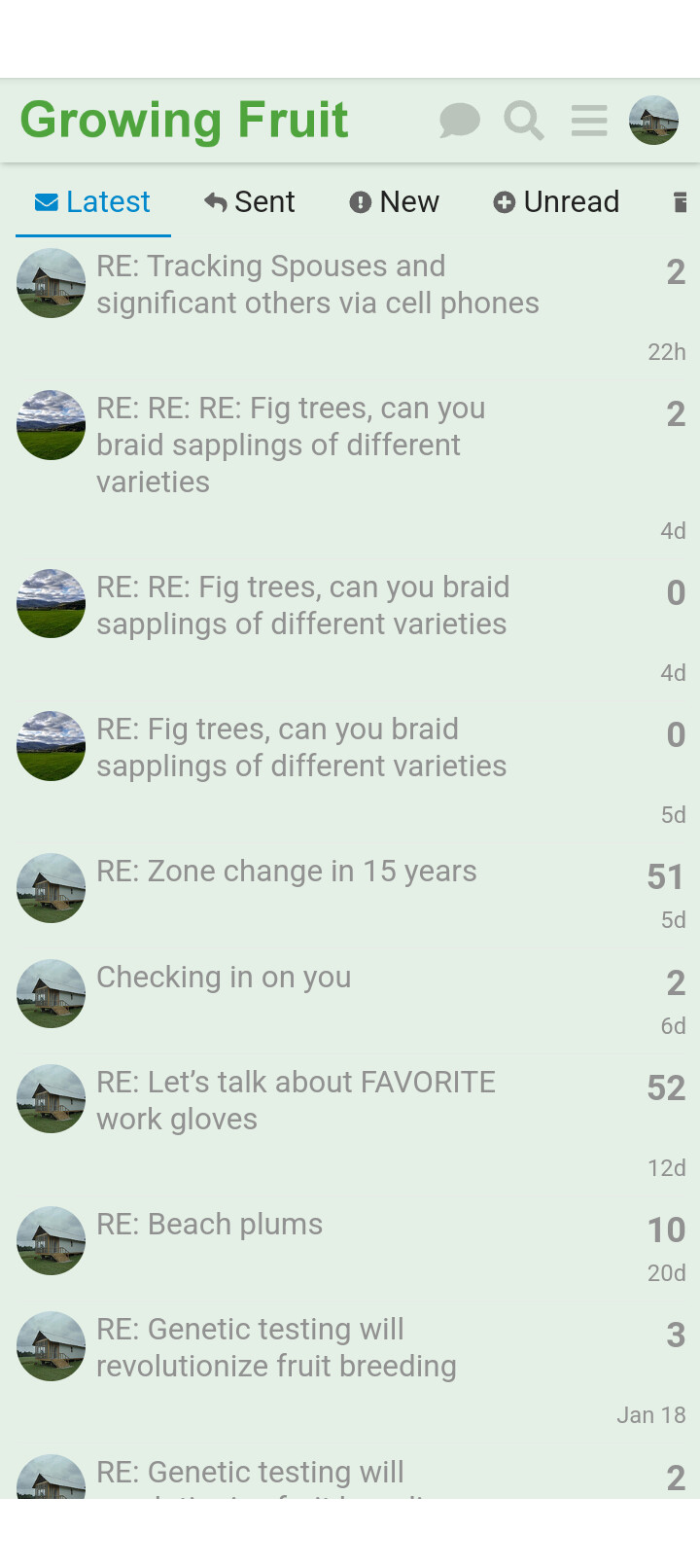
On the Messages page, its very hard to tell who’s who.
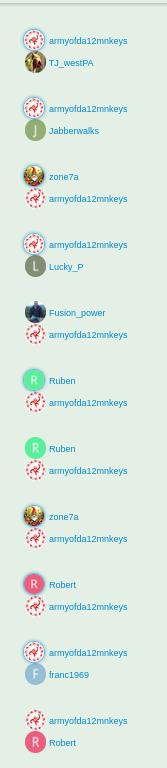
like there are 4 'R’s here (and more if i were to show the full page).
So maybe i want to search for the user Robert and have to hover over each R to find the correct convo. i’ve spent a good chunk of time trying to find some conversations.
Is there a way just to add who you are talking to (like TO: username column) in those Inbox/Sent messages listing pages?
Realize have to depend on what options the Discourse forum web-application we use offers.
UPDATE: Im a web manager/developer so this above might work. i tried it myself temporarily by adding this design rule (i made the text small so you can at least search it with a Control+F [shortcut to bring up the browser search] really quick as it looks a little distracting if its large):
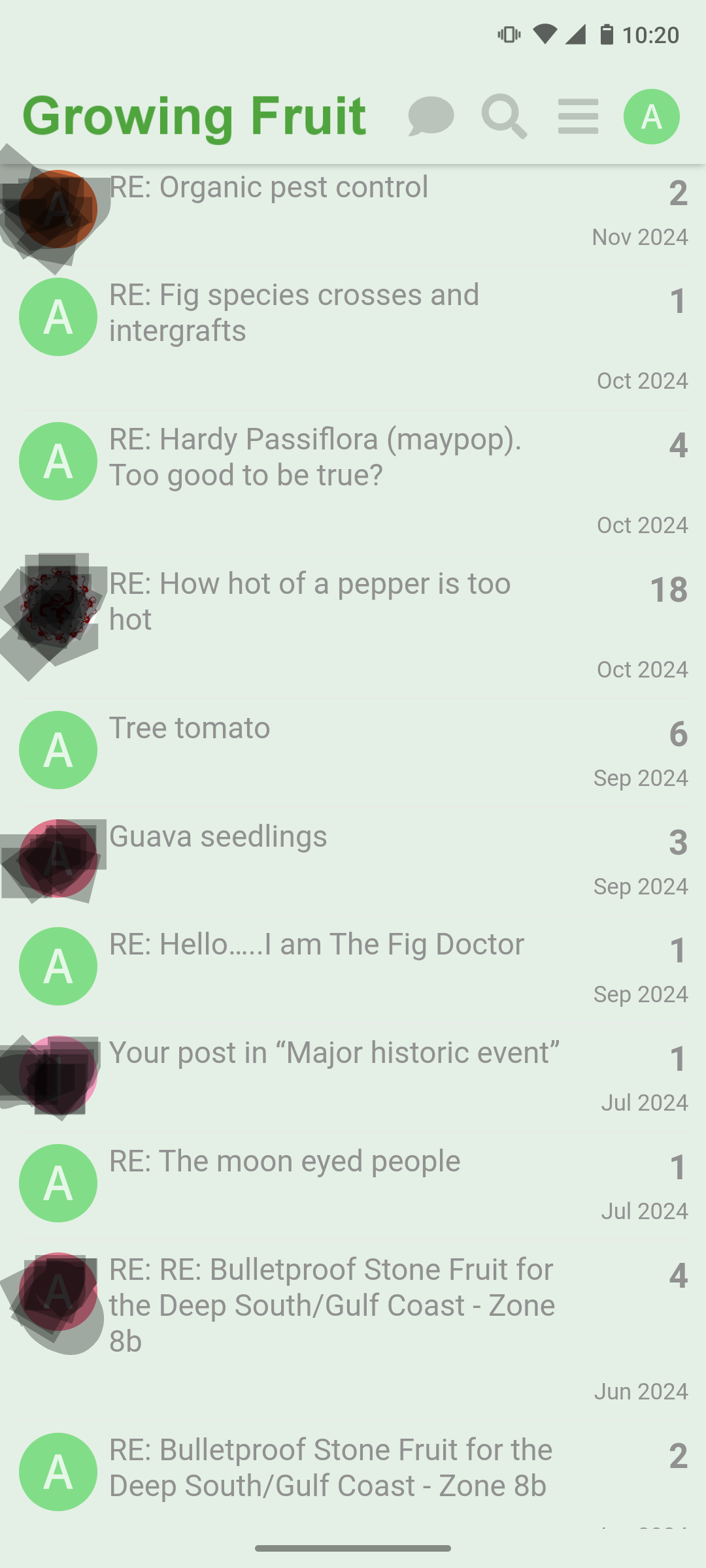
At least on my phone, the mobile version is even worse because it just shows the avatar of the last person to send a message, so for about half of the conversations it just shows my avatar. For sure could be improved.
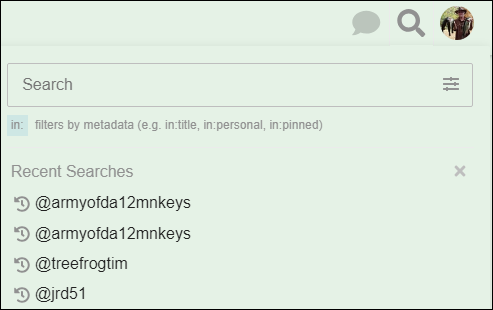
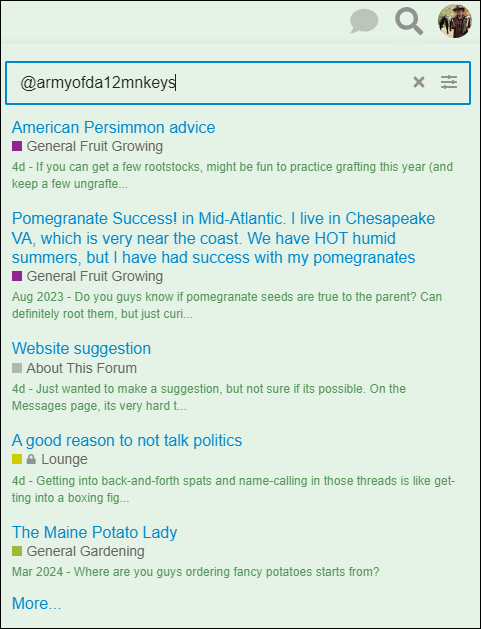
If you use the magnifying glass to search, check the search in messages box, and type @armyofda12mnkeys you will see all of the messages from @armyofda12mnkeys … then you don’t need to scan anything, isn’t that better?
This shows pretty well what I was talking about. If you were the last person to send a message, it just shows your name and the title of the chat. For a lot of topics, such as when you post on the trading post and ask for PMs, after replying to those PMs you can end up having a whole bunch of conversations in the inbox that all look the same and you either have to search or go through them individually to find a specific conversation.
Similarly, three are a lot of times I remember having a conversation with a specific member, but I don’t recall the exact name of the conversation. Normally on forums I can just scroll through and see the conversations I had with that member. But with the current system, I can only see who I was talking to half the time.
All the conversations with non blurred avatars are ones where it’s just not visible who I was talking with. Sure, most of the time I remember, but for more one off conversations, or for longer conversations, I often don’t remember which title goes with which member.
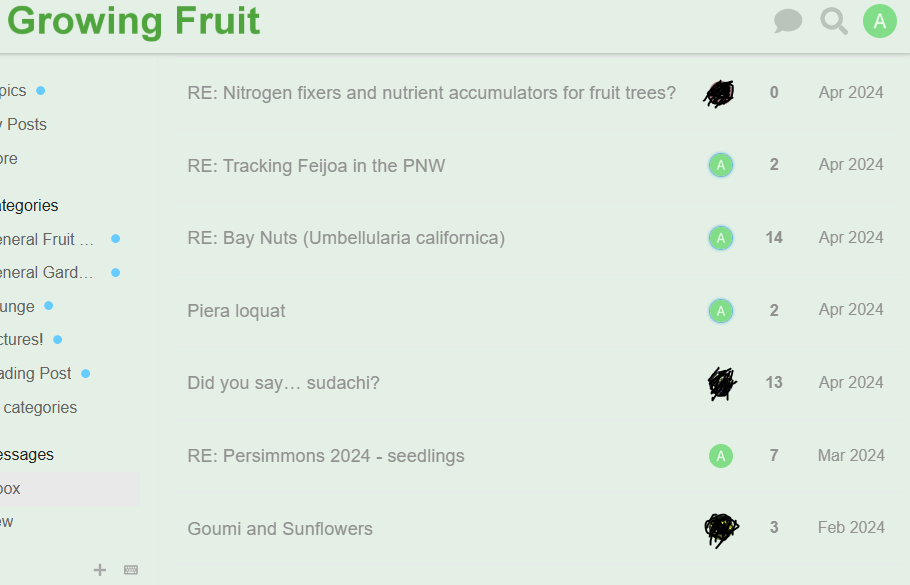
Same with the website. If I was the last person to reply to the conversation, it doesn’t show me who I was talking to.
I guess sometimes you don’t know the username to search for and just want to ‘scan’ as well (although im not sure how my fix looks on mobile). I was looking for an old convo from 2 years ago and it would “click” if i saw the combo of the subject+username together when scanning.
Same way when you scan your email program like gmail/hotmail/yahoo, its nice to see the person’s email, instead of just the 1st letter.
This is a situation that I’ve experienced many times as well. I exclusively use the forum on mobile, and on my end only seeing that I was the last to send a message is frustrating since there isn’t a second identifier of with whom I was messaging.
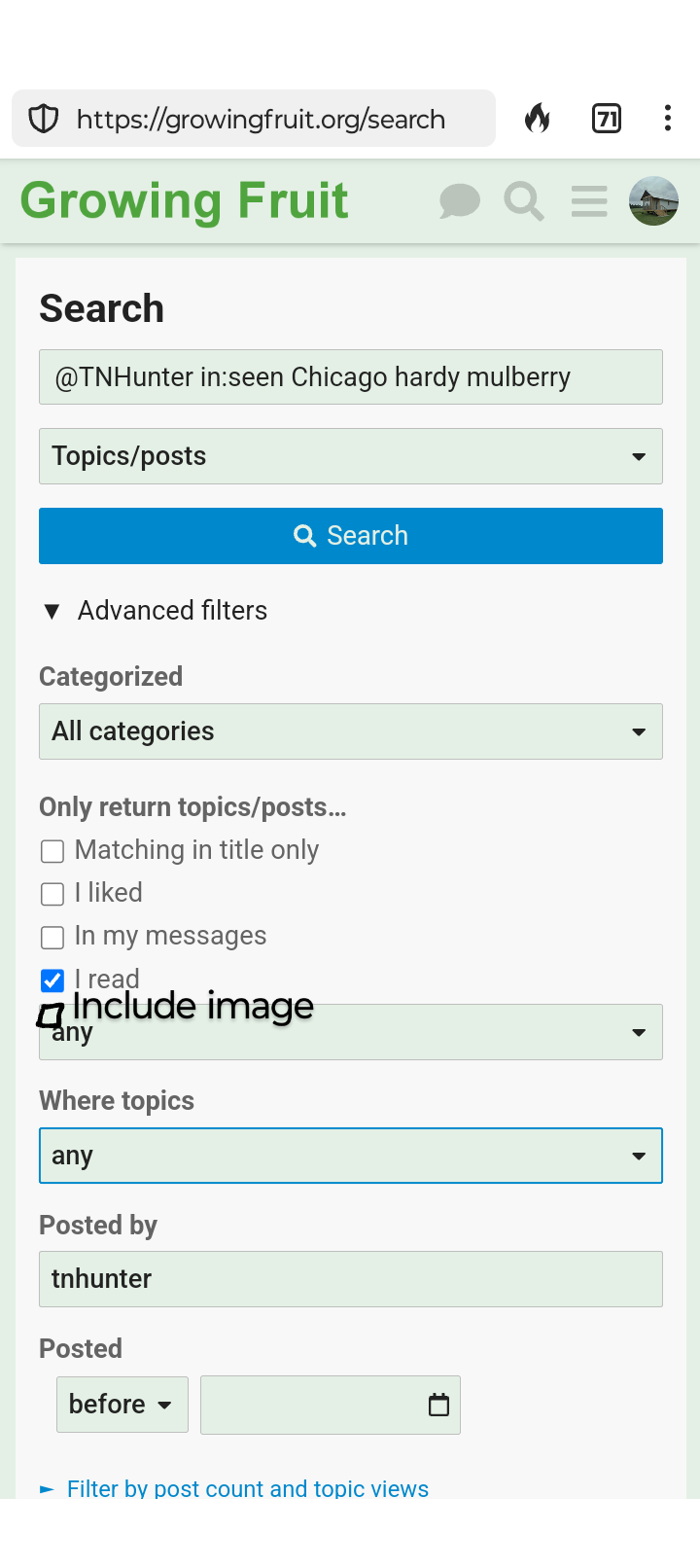
There is one other thing that I’ve wished for. The search functions are robust and I’ve learned ways to more easily accomplish my goal, but @scottfsmith, is there any way that an additional checkbox could be added that would return results only if an image is part of the post? For instance, if I wanted to only see results for where Trev has includedpictures in a post mentioning “chicago hardy” and “mulberry” and which I had read previously.
I often don’t remember the name of the person I’m looking for. I’d like to be able to scan the names to see which ring a bell, like for arranged scion trades and stuff from weeks/months prior.
note: my rule would add fix for non-mobile…
mobile would only add the “last person who responded” username (which could be you vs the other person) like so:
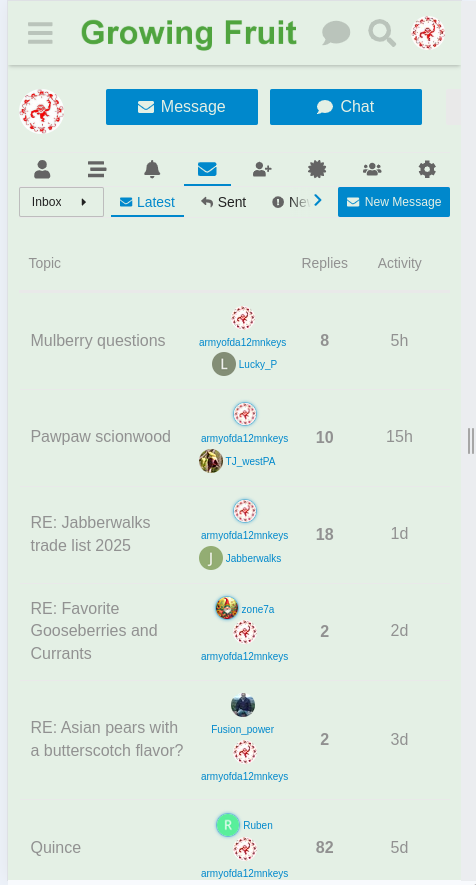
The image of the improved interface looks great to me! It wouldn’t bother me one bit to have that much data displayed. For those who don’t have familiarity, here is what I see at present.
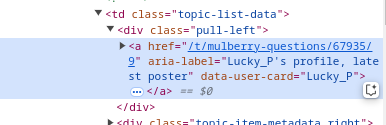
Unfortunately i think this fix maybe would only work on desktop/laptop (maybe tablet) screen sizes. For mobile, it seems to detect you are on mobile and not even have the 2nd person’s info available in the code (only the ‘latest’ respondent’s info):
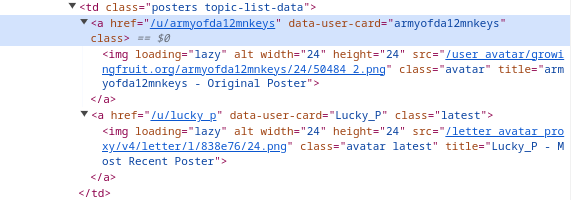
vs Desktop (for me around 1122pixels width) which has both:
If they don’t want to add to the forums, you can add it to your Chrome web browser on your laptop/desktop with an extension called Stylus.
You’d have to install the Stylus Extension (which allows custom styling scripts to be added). Note: this is only for Chrome, I don’t use other browsers as much (but maybe there is a Stylus extension for other browsers, like i see one for Firefox):
Then install the specific script I just made (think there is a ‘Install’ button lower down on the page):